






How Williamson County Residents Can Use Google to Stay Safer at Home

3 Minute Read
By K. Williams at visualdesignsgroup.com
Williamson County, Texas, celebrated for its scenic Hill Country estates, upscale neighborhoods, and rapid growth, might seem like a sanctuary, but even the most secure homes aren’t immune to modern-day threats. While these neighborhoods may boast reinforced doors and high-tech security systems, a single overlooked weakness, an unlocked entry, exposed keypad, or unattended garage, can unravel a family’s sense of safety in moments.
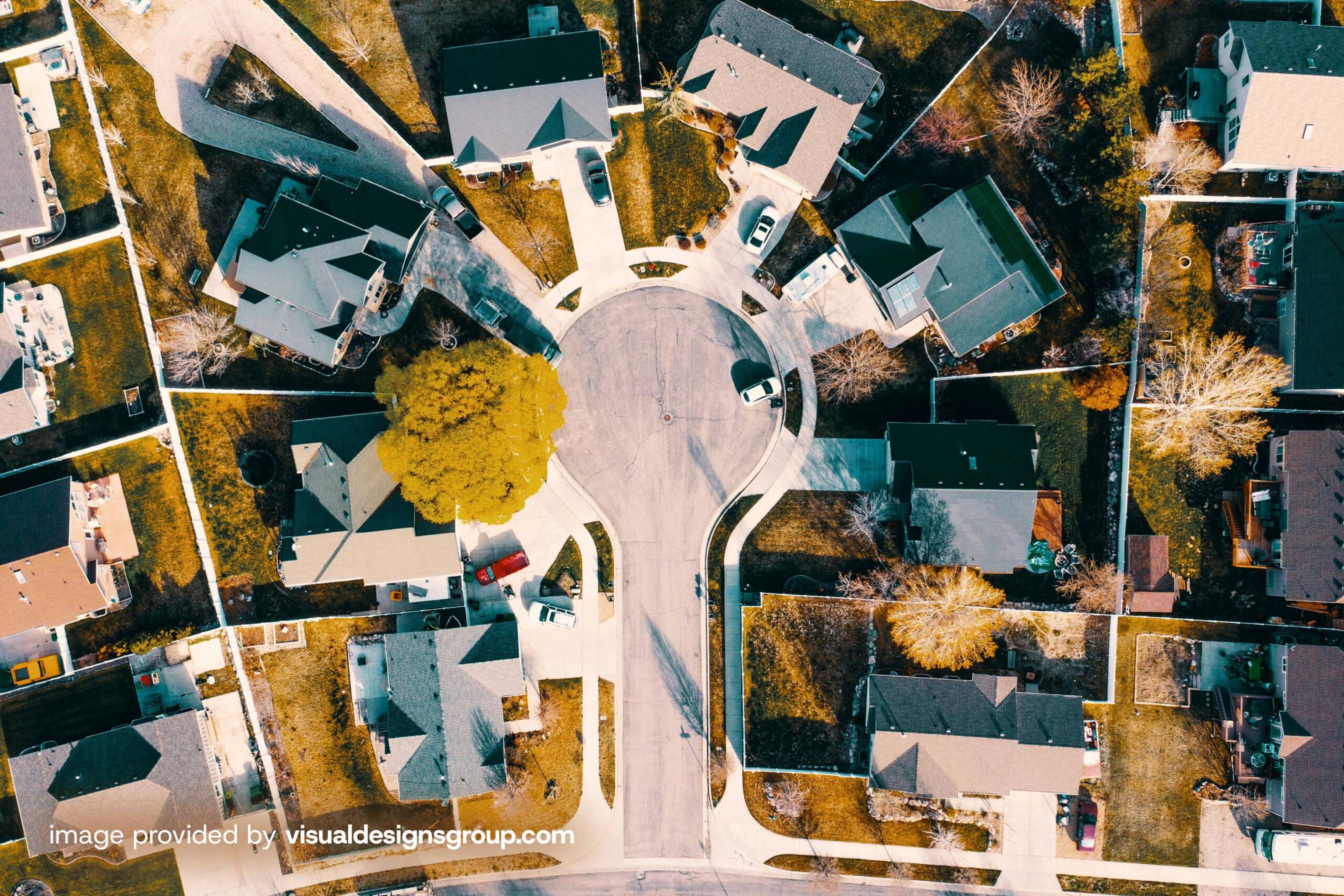
What once felt hypothetical has become disturbingly possible. Break-ins today aren’t always random, they’re strategic. Criminals come prepared, having studied floor plans, monitored routines, and scoped out vulnerabilities long before they ever approach a front door. And they don’t need to sit outside with binoculars to do it. With digital tools like Google Maps, they can virtually explore a property, identify blind spots, and time their entry with chilling precision. A single vacation post, an aerial view, or a visible security gap is all it may take.
The digital age has redrawn the boundaries of privacy and protection. The illusion of safety can vanish in seconds, as online visibility introduces a new layer of risk. In communities like Williamson County, where visibility and wealth often go hand in hand, affluence can quietly become a liability.
Scary, isn’t it? The places we feel safest can be the ones most watched. Your home isn’t just on the map. It’s on the grid.
(Answer is at the end of the article)
Burglars are getting smarter and more digitally savvy. Instead of lurking in bushes or driving by your home, today’s would-be thieves are using the internet to do their homework.
They scour online images, often pulled from real estate listings, Google Street View, and social media—to pinpoint valuables, assess home layouts, and spot weaknesses like unlocked gates or blind spots in security coverage. From the position of your front-door camera to the type of locks on your garage, everything can be studied with a few taps on a screen.
If you think your home’s image online is harmless, think again. In a world where the next break-in might be planned from a couch, not a car, guarding your digital curb appeal is more important than ever.
How can Google “Find” Your House and “Hide” Your House
Google’s Street View cars capture images from public roads, which means your home may be visible online by default. For those concerned about privacy, or the increasing trend of burglars using online tools to scope out entry points, security setups, or valuables, blurring your house on Google Maps offers a proactive safety measure. Both homeowners and tenants can request a blur for any reason, including privacy concerns or inappropriate content. However, once approved, the blur is permanent and cannot be undone.
Steps to Blur Your Home
Go to Google Maps and find your home.
Click the Street View image.
In the bottom right, select “Report a problem.”
Use the red box to highlight your home, then fill out the form and submit.
Google says, “We’ll review your report quickly and may contact you for more info.”
This long-standing privacy tool can help reduce visibility to potential criminals.
——————————————————————–
RELATED STORIES
https://www.cbsnews.com/texas/news/southlake-family-shares-terrifying-home-invasion-caught-on-camera/
https://www.thezebra.com/resources/research/burglary-statistics/
———————————————————————
What Homeowners Should Know
In 2025, multiple Texas break-ins involved suspects who entered through rear bedroom windows, bypassed alarms, or went straight to safes in closets, indicating they had prior knowledge. In Southlake, burglars cut metal bars and entered without hesitation, completing their theft in under 2 minutes. Surveillance blind spots, visible keypads, and social media oversharing often gave intruders the blueprint they needed.
| Did You Know? Google Maps isn’t just for roads. It works inside major airports and malls too. Just search the venue, tap “Directory,” and explore detailed floor plans, store locations, and even restrooms. Bonus: some locations offer Indoor Live View with on-screen arrows to guide your way.You can find your way with “live view” if you’re lost in a city? Hold up your phone and let Live View guide you. With augmented reality overlays, arrows and directions appear right on your screen, perfect for navigating busy streets, tricky intersections, or unfamiliar neighborhoods. |
Today’s intruders plan from a screen, not the sidewalk. Shield your home’s visibility online with Google’s assistance and plan a new home security strategy for weapon access. While traditional safes are secure, they’re often out of reach during a critical moment. That’s why more homeowners are turning to RFID-secured concealment solutions from Tactical Traps, a trusted name in weapon concealment furniture. Blending seamless design with rapid access, Tactical Traps empowers you to protect what matters from any room in your home, quietly, discreetly, and confidently. Order today! Click here.
Correct Quiz Answer:
D) Street View – a feature within Google Maps that provides interactive, 360-degree panoramic images of streets, neighborhoods, and landmarks around the world.
Explanation: Street View provides 360-degree panoramic images of streets and locations, allowing users to explore areas virtually.
K. Williams is a content contributor at Wilco Connection and graphics design specialist at visualdesignsgroup.com
Share This Story, Choose Your Platform!
2026 Certified Specialist of Spirits Study Guide Paperback
December 27, 2024
by Jane Nickles (Author)